Voice interviews, at a time each employee chooses
A personal link, no account, nothing to install. The AI interviewer runs the conversation out loud, follows your guide, and stops whenever the employee wants.
- One personal link per participant, with no account and no install
- Pause and resume at any time, with a 30-second recap on return
- Sessions in English and French
The starting point
Fifteen calendars for fifteen hours of listening
A traditional audit starts with weeks of scheduling. The accounts payable clerk is free Thursday at 5 p.m.; the sales admin lead is never free during month-end close. Each interview ties up a consultant for an hour, and roughly another hour to write up the notes.
The employee picks the moment
Each participant gets a personal link by email, or from their employer if you prefer. They open the page in a browser, read the welcome screen, and start when they have time. There is no fixed length: the interview runs over one or more sessions.
- The plan is visible from the start: chapters, an indicative duration, and progress so far.
- At the end of each chapter, the AI interviewer asks whether to keep going or pick up later.
- On return, a 30-second recap covers what was said, then the interview resumes at the right chapter.
- Automatic email reminders nudge anyone who hasn’t started or finished.
A conversation, not a questionnaire read aloud
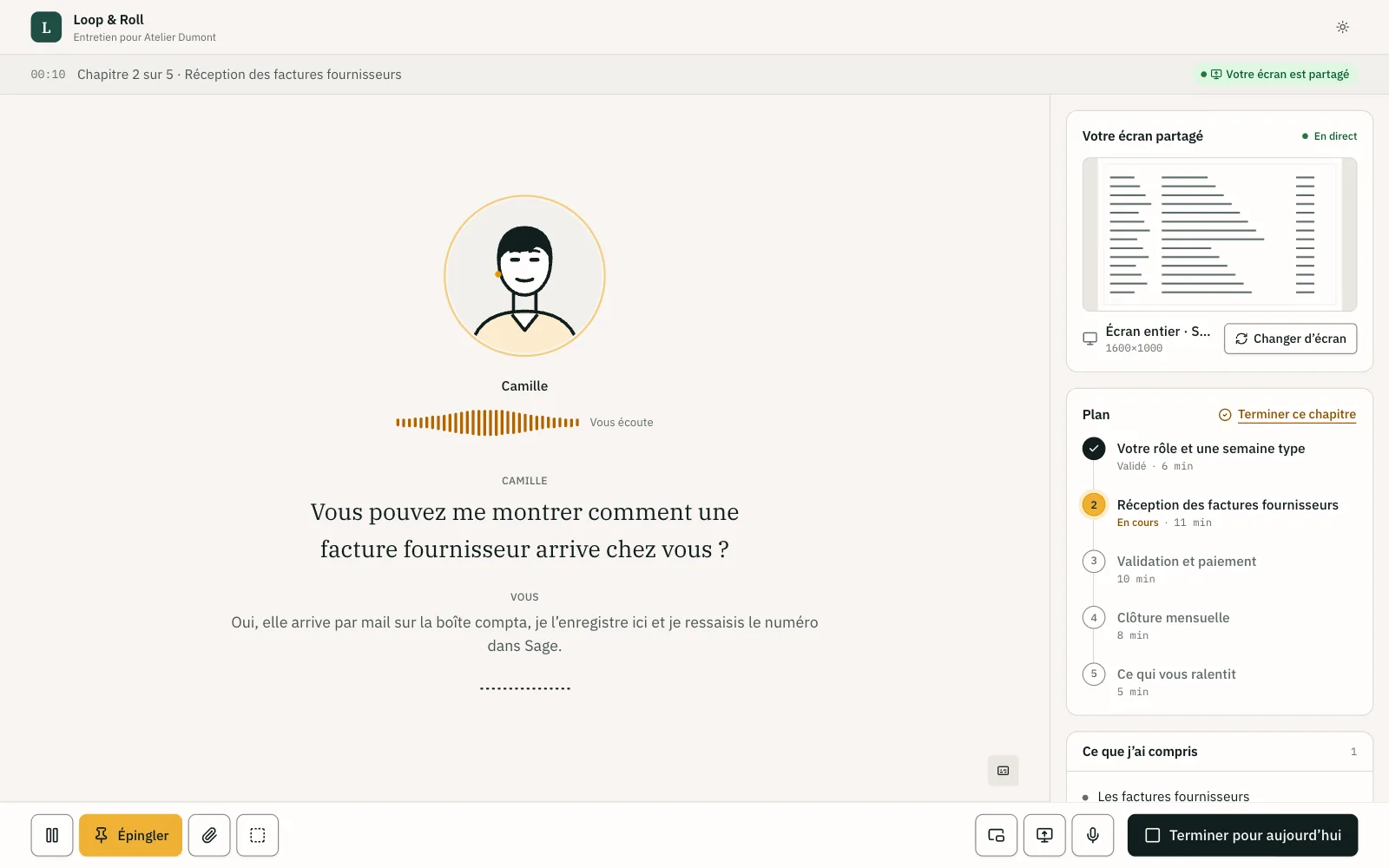
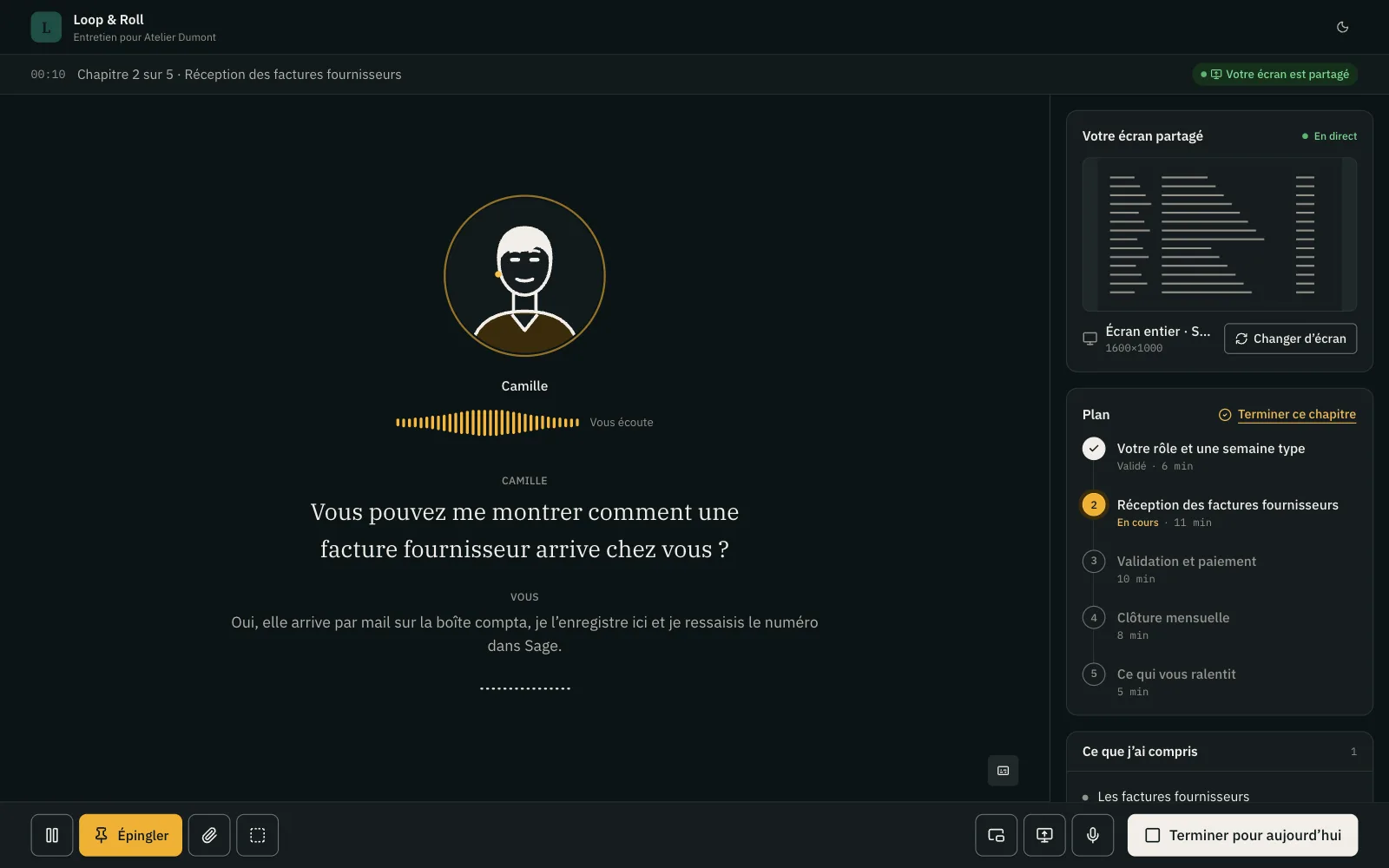
The AI interviewer rephrases the opening questions from your guide, digs into vague or quantifiable answers, and confirms key facts (“so about 40 orders a day, all re-keyed into the ERP?”). It doesn’t judge, give advice, or promise anything about what happens next.
- The employee can interrupt at any moment, and it stops talking immediately.
- Pauses to think don’t trigger a follow-up question too early.
- The AI interviewer is designed to reply at the pace of a conversation, without awkward gaps.
- After about an hour of continuous conversation, it suggests a break.
An AI that says it is one
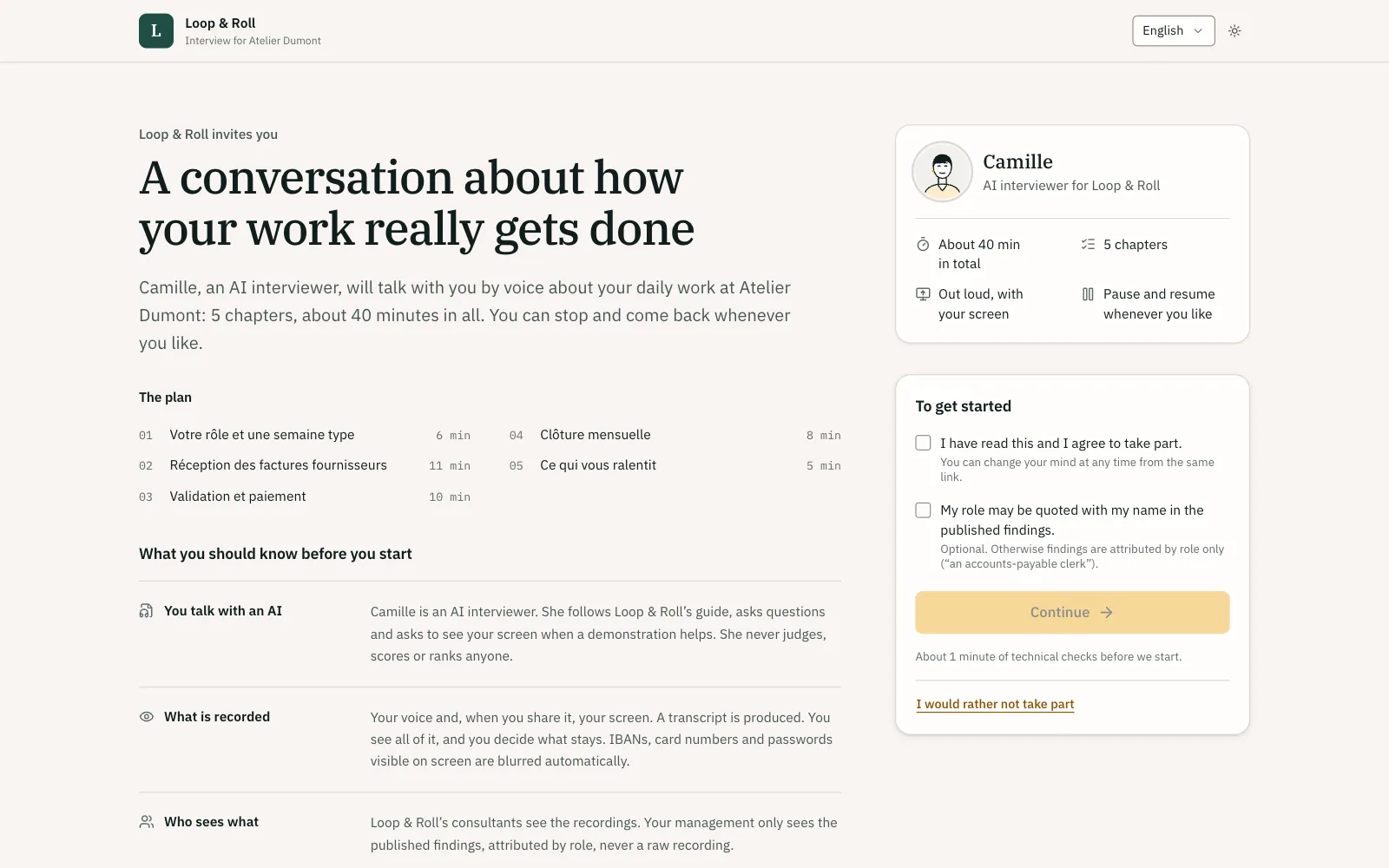
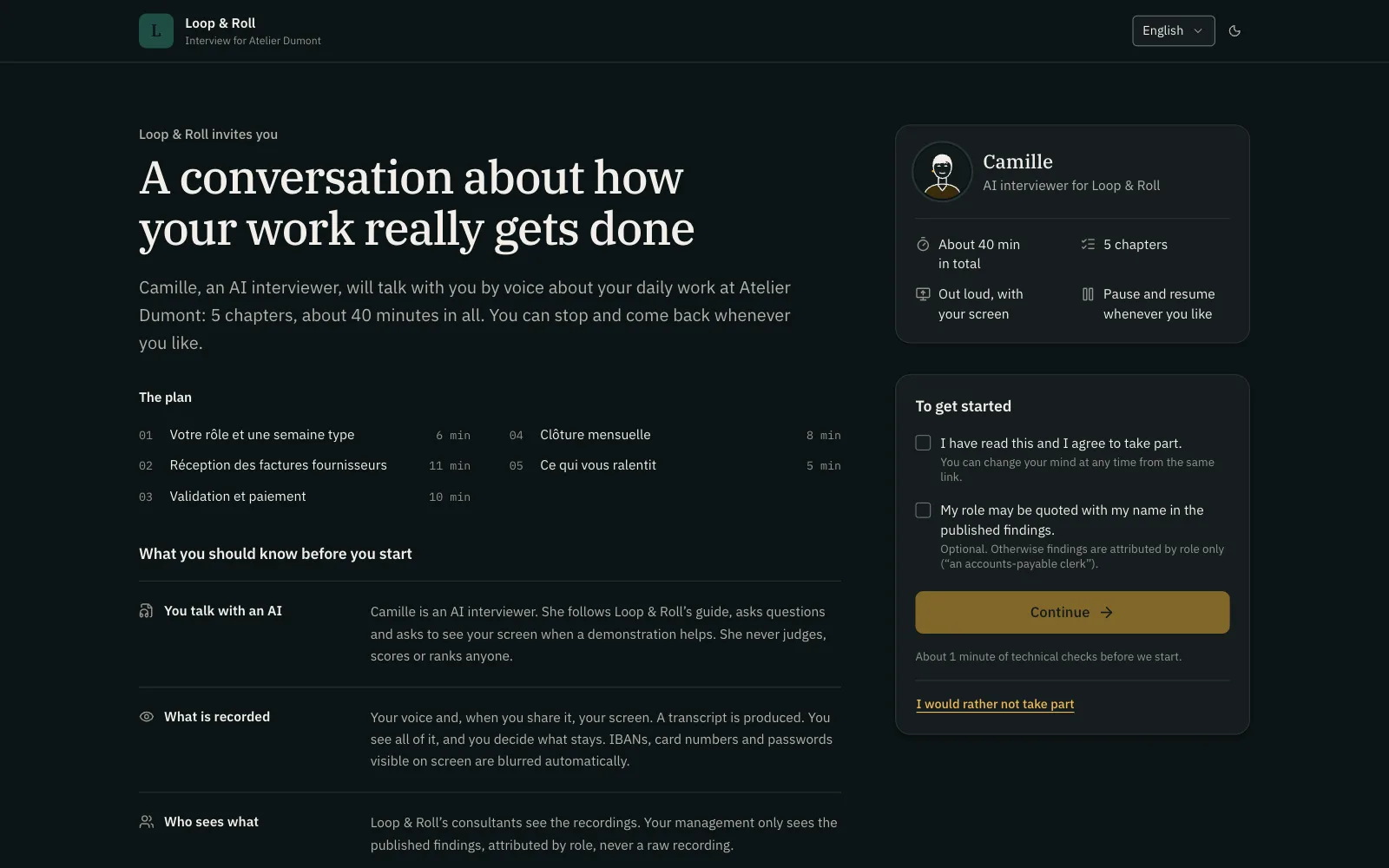
Employees know they are talking to an AI from the invitation and the welcome screen onward, and the AI interviewer never claims to be human. It uses the first name and voice your firm chooses, shown as a still image with a speaking indicator. There is no animated avatar.
- The welcome screen says who is running the audit, why, what is recorded, who sees what, and how long it is kept.
- Register, formality, and how hard it probes are set in your method.
- A refusal (“I’d rather not discuss that”) is recorded as such, with no pushing.
Nobody gets stuck on setup
Before the conversation starts, a guided check of about one minute tests the microphone, audio, and screen sharing. On a Mac, a step-by-step guide covers the screen recording permission, which requires restarting the browser; the page then picks up at the same step.
- On a phone or tablet, the interview switches to voice-only mode, with screenshot uploads.
- Restricted corporate networks go through a relay server; if that fails, a clear message explains what to do.
- Consultants see participants stuck at the setup check on their engagement dashboard.
In practice
- Access
- A revocable, time-limited personal link with no account; an emailed code is available for sensitive engagements.
- Browser
- Sessions run in a web page, with no extension or software to install and no video-conferencing tool involved.
- Length
- No fixed length: the interview is split into chapters, covered in one or more sessions.
- Languages
- English and French, chosen by the participant; more languages can be added without development work.
- Voice
- Direct speech-to-speech or a transcription, language model, and speech synthesis pipeline, depending on the AI profile your firm picks.
- Test mode
- Consultants play the interview as a participant; test data never enters the analysis and its cost is tracked separately.
Frequently asked questions
Does the employee need to install anything?
No. The interview runs in the browser from a personal link, with no account or software. On a Mac, the browser needs permission to record the screen the first time, and a step-by-step guide walks through it.
How long does an interview take?
There is no fixed length. The interview is split into chapters with an indicative duration, and the employee can stop after any chapter and resume later from the same link.
Do employees know they are talking to an AI?
Yes. It is stated in the invitation and on the welcome screen, and the AI interviewer never claims to be human. This is also a transparency requirement under the EU AI Act.
Can someone do the interview on a phone?
Yes, in voice-only mode: screen sharing isn’t available on mobile, but the employee can upload screenshots. The AI interviewer can also suggest continuing on a computer for demonstrations.
How can we check the tone before sending links?
The consultant plays the interview in test mode, as a fictional participant or a population. They check the plan, the tone, and the welcome screen; these sessions never feed the analysis.
Related features
- Screen sharing The AI interviewer asks “show me” and sees the shared screen, where the work actually happens.
- Validated recap Employees review, correct, and approve what the AI took away before it is used in the analysis.
- Interview guide Your method, tailored by engagement, team, and person: the AI runs your audit, not its own.
See a complete audit in thirty minutes.
A voice interview with screen sharing, the process map it produces, the deliverable the sponsor reads: on a demo engagement, with your questions.